Design Studio
Visualise
your space
in real time.
Upload a photo of your room, choose a design, set the dimensions and see how it looks on your wall. Experience the beauty with and without lighting.
Open Design Studio- 1Upload
- 2Choose Design
- 3Set Dimensions
- 4Light On / Off
- 5Save & Quote
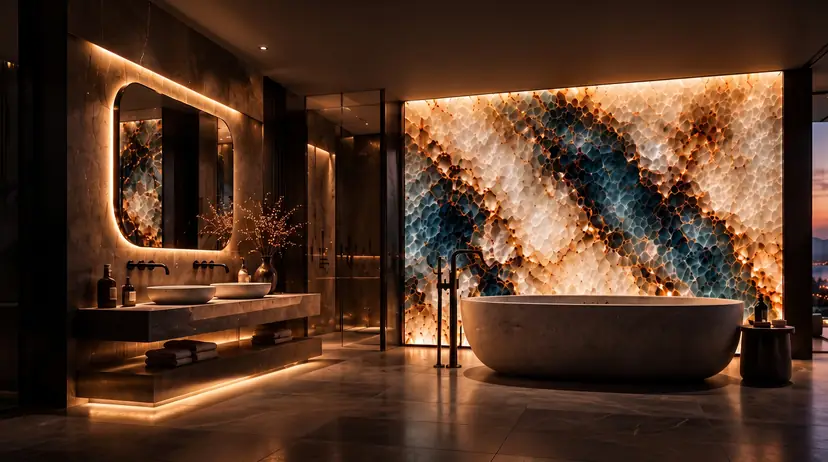
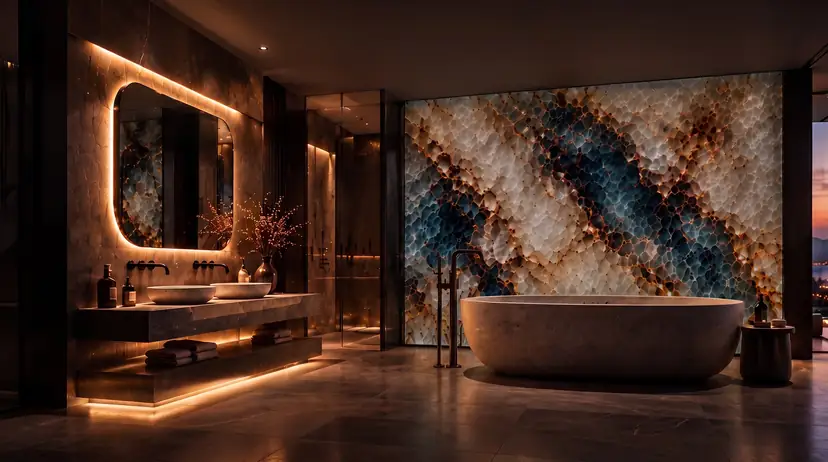 Light offLight onConcept visualisation
- 1
Upload
Take a photo of your room and select the wall.
- 2
Choose a design
Select a CASFER design or request a custom design.
- 3
Set dimensions
Enter the width and height and set the panel layout.
- 4
Light on / off
See the design with and without lighting.
- 5
Save & quote
Get a personalised offer for your project.